
Apache ZooKeeper is the coordination backbone for many distributed systems, powering services like Apache Kafka, Hadoop, and HBase. It manages leader election, configuration, and synchronization, which makes it mission-critical in large-scale environments. Because ZooKeeper depends on consistent write-ahead logs and snapshots, storage performance and durability are vital.
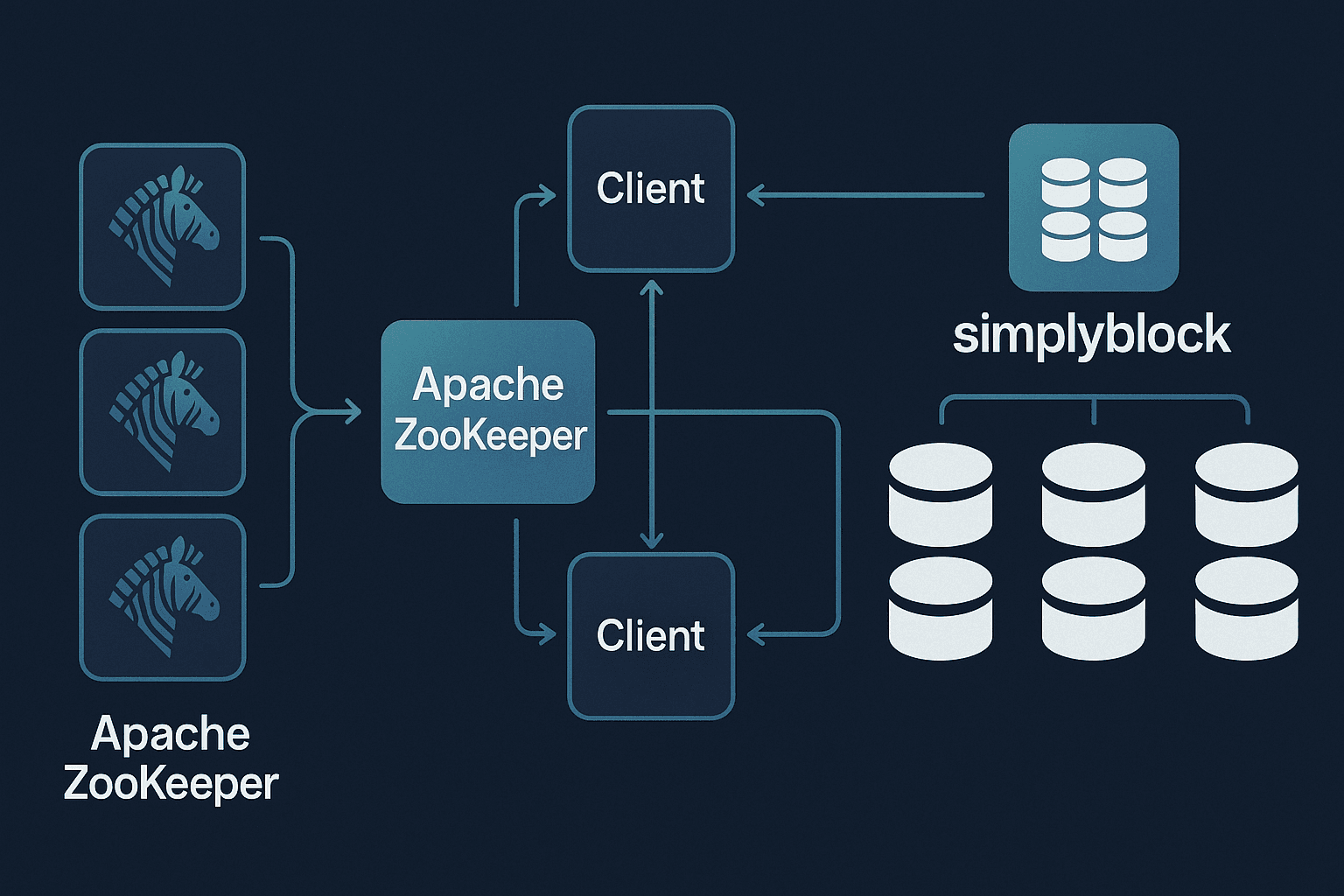
Simplyblock delivers the speed and resilience ZooKeeper needs. With NVMe-over-TCP and zone-independent volumes, it ensures snapshots and logs are written quickly, replicated across zones, and scaled without downtime.
The Storage Bottlenecks in ZooKeeper
ZooKeeper clusters rely heavily on disk I/O for transaction logs and periodic snapshots. If these writes are delayed, the entire quorum slows down, increasing latency for clients relying on coordination. Traditional options like EBS or local SSDs often introduce single-zone constraints, performance variability, and downtime during scaling.
Simplyblock changes this by providing low-latency volumes that can replicate across availability zones. This keeps ZooKeeper ensembles consistent and responsive, even under heavy write loads.
🚀 Strengthen Apache ZooKeeper with Simplyblock
Keep coordination services fast, durable, and resilient for distributed systems.
👉 See how simplyblock supports hybrid multi-cloud storage
Step 1: Prepare Simplyblock Volumes for ZooKeeper
Begin by creating and attaching a simplyblock volume for ZooKeeper’s data directory:
sbctl pool create zk-pool /dev/nvme0n1
sbctl volume add zk-data 200G zk-pool
sbctl volume connect zk-data
Format and mount the volume:
mkfs.ext4 /dev/nvme0n1
mkdir -p /var/lib/zookeeper
mount /dev/nvme0n1 /var/lib/zookeeper
ZooKeeper will now have a durable backend for snapshots and logs. Detailed steps are in the simplyblock documentation.
Step 2: Configure ZooKeeper to Use Simplyblock Volumes
Update your ZooKeeper configuration (zoo.cfg) to use the mounted path:
tickTime=2000
dataDir=/var/lib/zookeeper
clientPort=2181
initLimit=5
syncLimit=2
Restart ZooKeeper, and it will now persist data to the simplyblock-backed directory. Full parameter details are in the ZooKeeper configuration guide.
Step 3: Validating ZooKeeper + Simplyblock
Confirm the setup by connecting with the ZooKeeper CLI:
zkCli.sh -server localhost:2181
Check that znodes can be created and retrieved. On the storage side, verify performance with:
sbctl stats
This dual validation ensures ZooKeeper’s quorum writes are persisting correctly. In larger environments, this approach aligns with modern KubeVirt storage strategies for virtualized Kubernetes clusters.
Step 4: How Simplyblock Simplifies ZooKeeper Scaling
As coordination data grows, scaling ZooKeeper should not involve downtime. With simplyblock, volumes can be resized online:
sbctl volume resize zk-data 500G
resize2fs /dev/nvme0n1
The new space is instantly available for logs and snapshots. This scalability is especially important when ZooKeeper supports services during VMware migration to Kubernetes.
Step 5: Performance Tuning & Best Practices
For high-throughput ensembles, adjust snapshot and JVM heap settings to fit workload patterns. Deploy ZooKeeper on Nitro-based EC2 instances to maximize NVMe bandwidth. Monitor I/O performance regularly with:
iostat
sbctl stats
For AWS deployments, the NVMe Nitro guide provides deeper insights into achieving low-latency throughput. These optimizations fit well with edge and air-gapped storage use cases where ZooKeeper may run in constrained or isolated environments.
Ensuring Resilient ZooKeeper Clusters with Simplyblock
ZooKeeper requires a quorum of nodes to remain available at all times. If storage is lost in one zone, the entire cluster can stall. Simplyblock reduces this risk by replicating volumes across availability zones, ensuring that snapshots and logs remain available even during failures.
This resilience makes ZooKeeper more dependable as a foundation for other distributed platforms, supporting enterprise-grade environments such as OpenStack.
Questions and Answers
Apache ZooKeeper provides coordination, configuration management, and leader election for distributed applications. It ensures cluster consistency and fault tolerance, making it a core dependency for frameworks like Apache Kafka, Hadoop, and HBase where reliability and synchronization are critical.
ZooKeeper requires fast and reliable storage for write-ahead logs and snapshots. As clusters grow, slow storage can cause latency spikes, longer recovery times, and even quorum instability. Simplyblock solves this by using NVMe-backed volumes that deliver predictable throughput and low-latency operations.
Simplyblock improves ZooKeeper by providing high-performance NVMe over TCP storage, ensuring stable write latency and fast recovery from node failures. With database performance optimization, simplyblock guarantees consistent operations even when ZooKeeper handles large-scale workloads.
Yes, Apache ZooKeeper can run on Kubernetes, but stable persistent volumes are essential. With NVMe-TCP Kubernetes storage, simplyblock ensures ZooKeeper nodes have durable, high-speed storage to maintain quorum stability and cluster availability.
To configure ZooKeeper with simplyblock, provision NVMe-backed volumes for transaction logs and snapshots or use a Kubernetes StorageClass. This setup ensures durable storage, predictable performance, and simplified scaling as ZooKeeper clusters expand.